Show what you built
Upload up to eight screens and put them in the order of your story.
Turn your screens into screenshots that tell a story. Your brand, your words, and the stage your app deserves.
Design my screenshotsFree. No account. Your images stay with you.
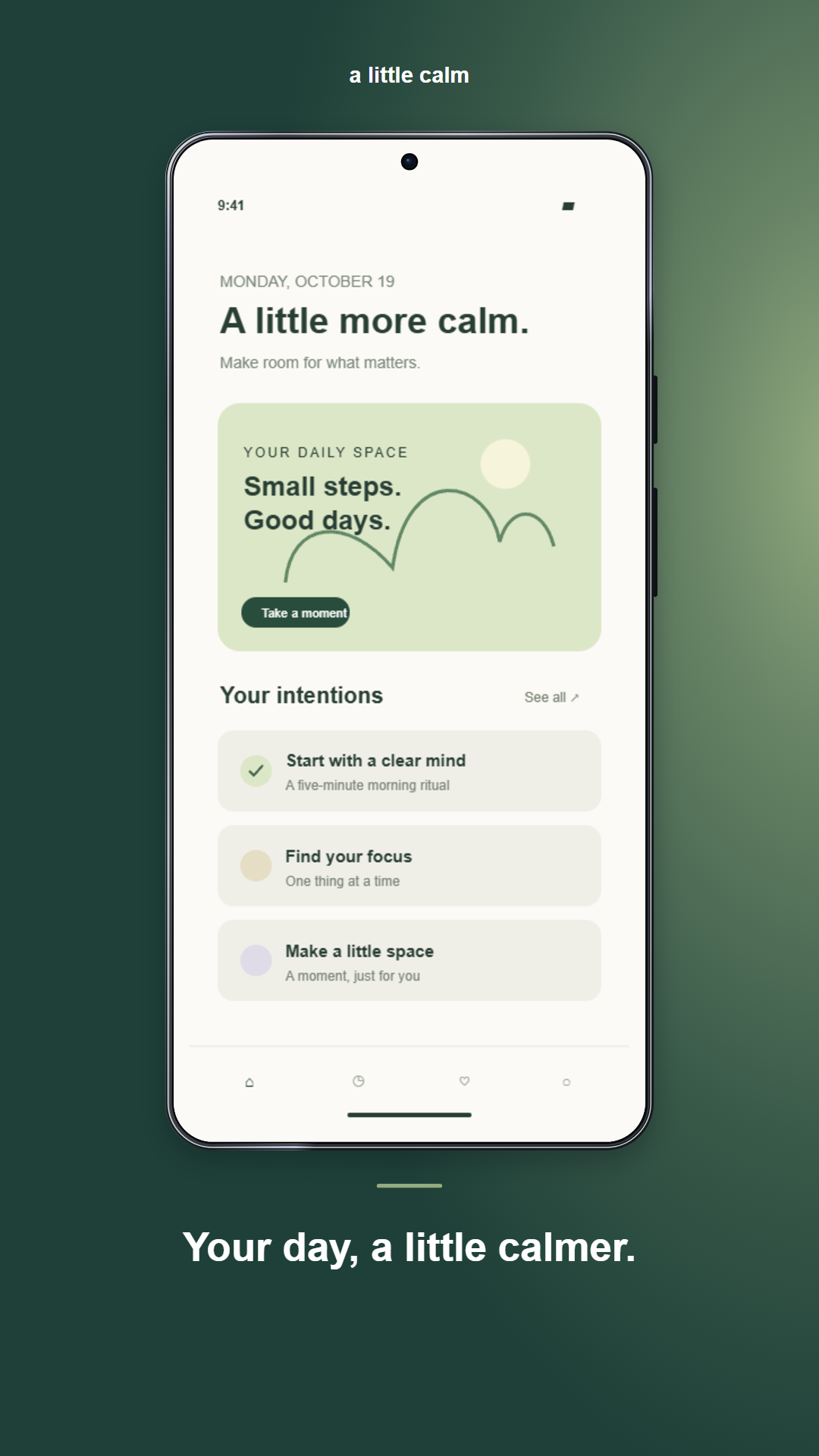
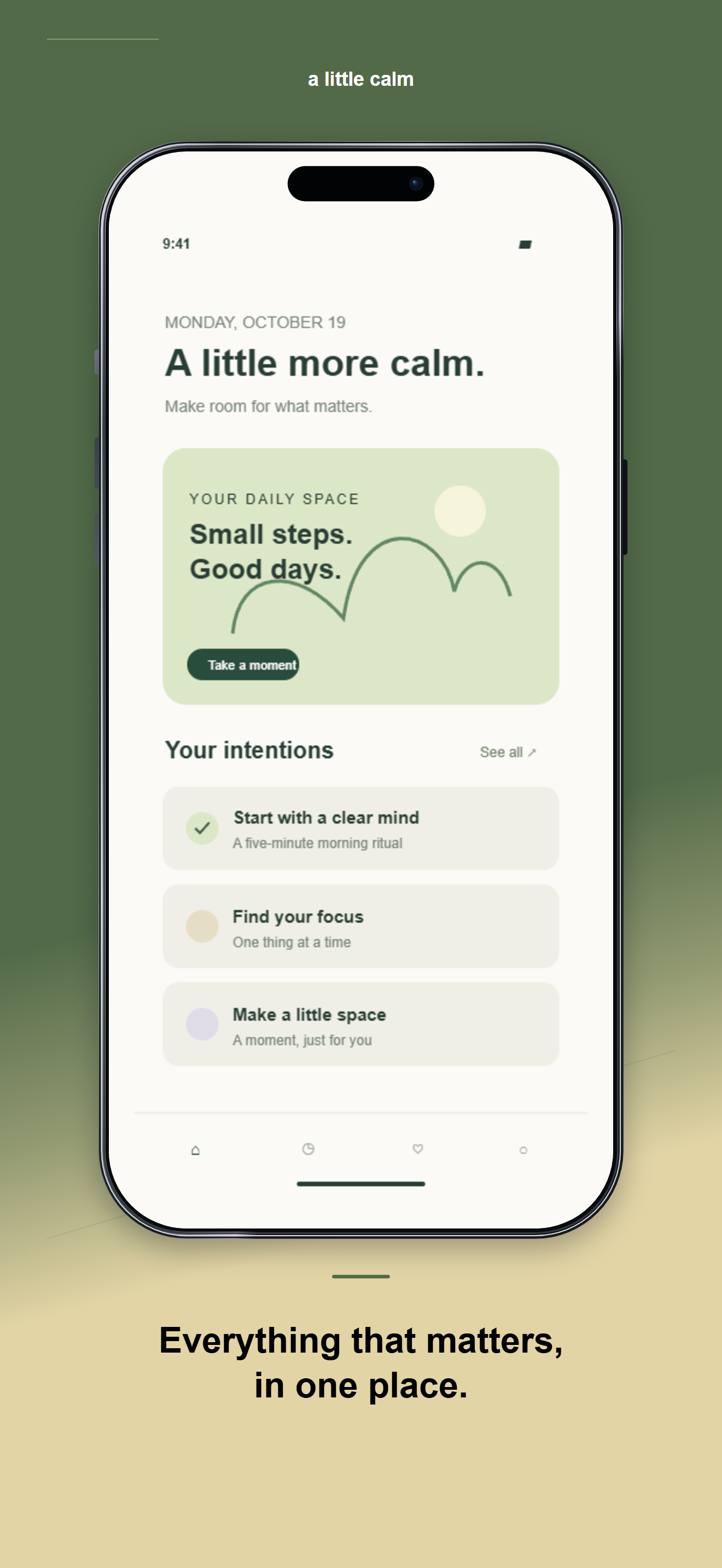
Upload your screens, find your style and get ready for your next launch.
From 1 to 8. In the order of your story.
or choose files from your device
PNG, JPG or WebP · up to 20 MB per imagePatterns, shapes and materials imagined from your screens.
The first use downloads approximately 3.3-5 GB of model weights. Uses a reduced-memory engine. Requires WebGPU and free storage. No screenshots are sent. Weights stay cached until you or the browser clear them.
Local processing. No accounts, no ads, no screenshot uploads.
Upload up to eight screens and put them in the order of your story.
Pick a style, add your colors and give each screen its own words.
Download store-sized PNGs in a ZIP organized for Android, iOS or both.
A useful tool should be transparent, too.
Yes. StoreFrame composes and exports in your browser. AI runs on your device, with no credits or API keys. The initial model download uses bandwidth and storage.
No. They are processed in memory for this session. AI downloads public weights from Hugging Face or the configured mirror; that host receives download connections, never your screenshots.
Local templates do not require an AI GPU. AI backgrounds need WebGPU and sufficient resources. If those are unavailable, choose a local template.
The PNGs use the specified phone dimensions and contain no alpha. Check your listing content and requirements: you may need more screenshots, other devices or actual screens from each platform.